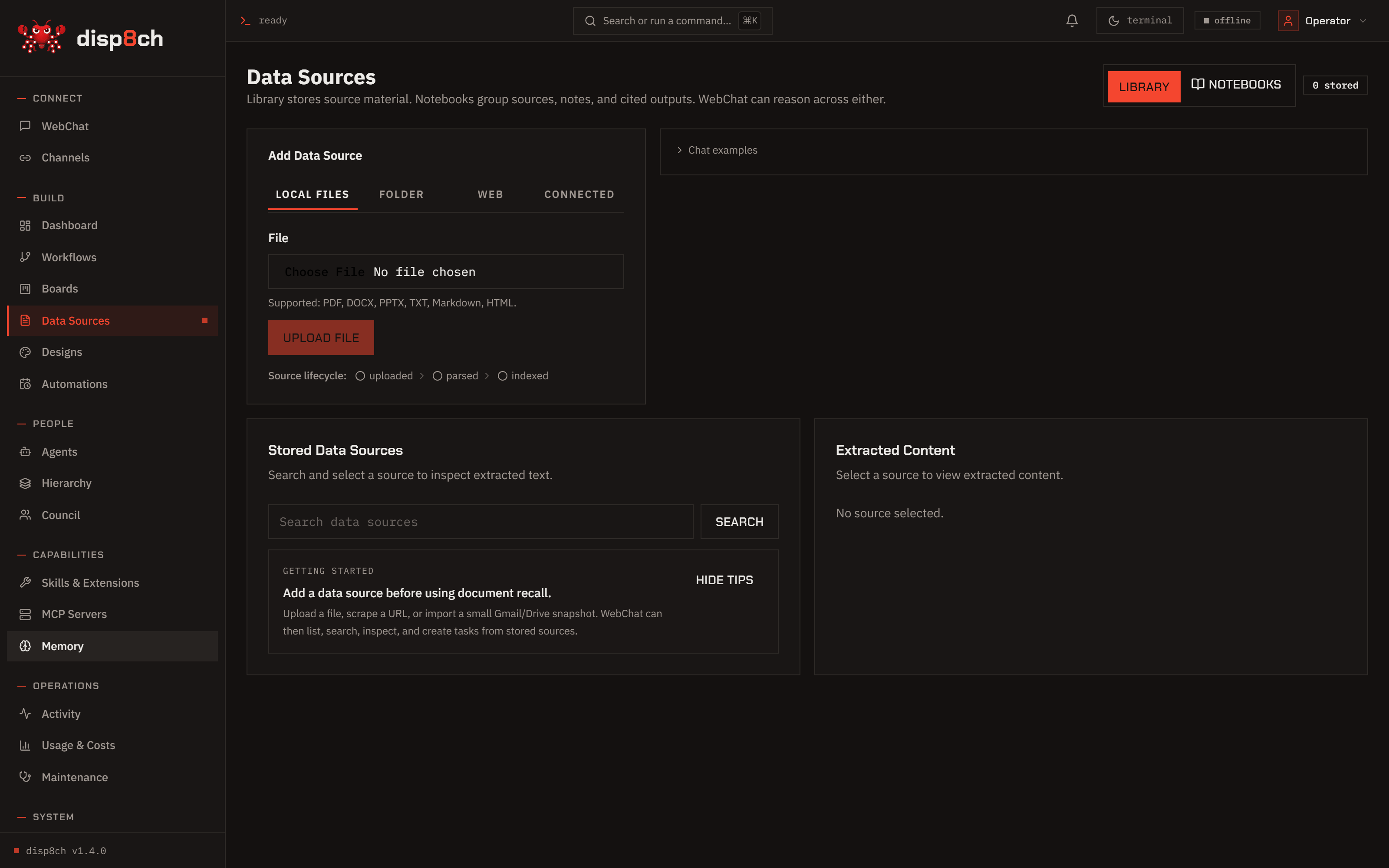
What it does

Turns the feature into usable workspace objects.

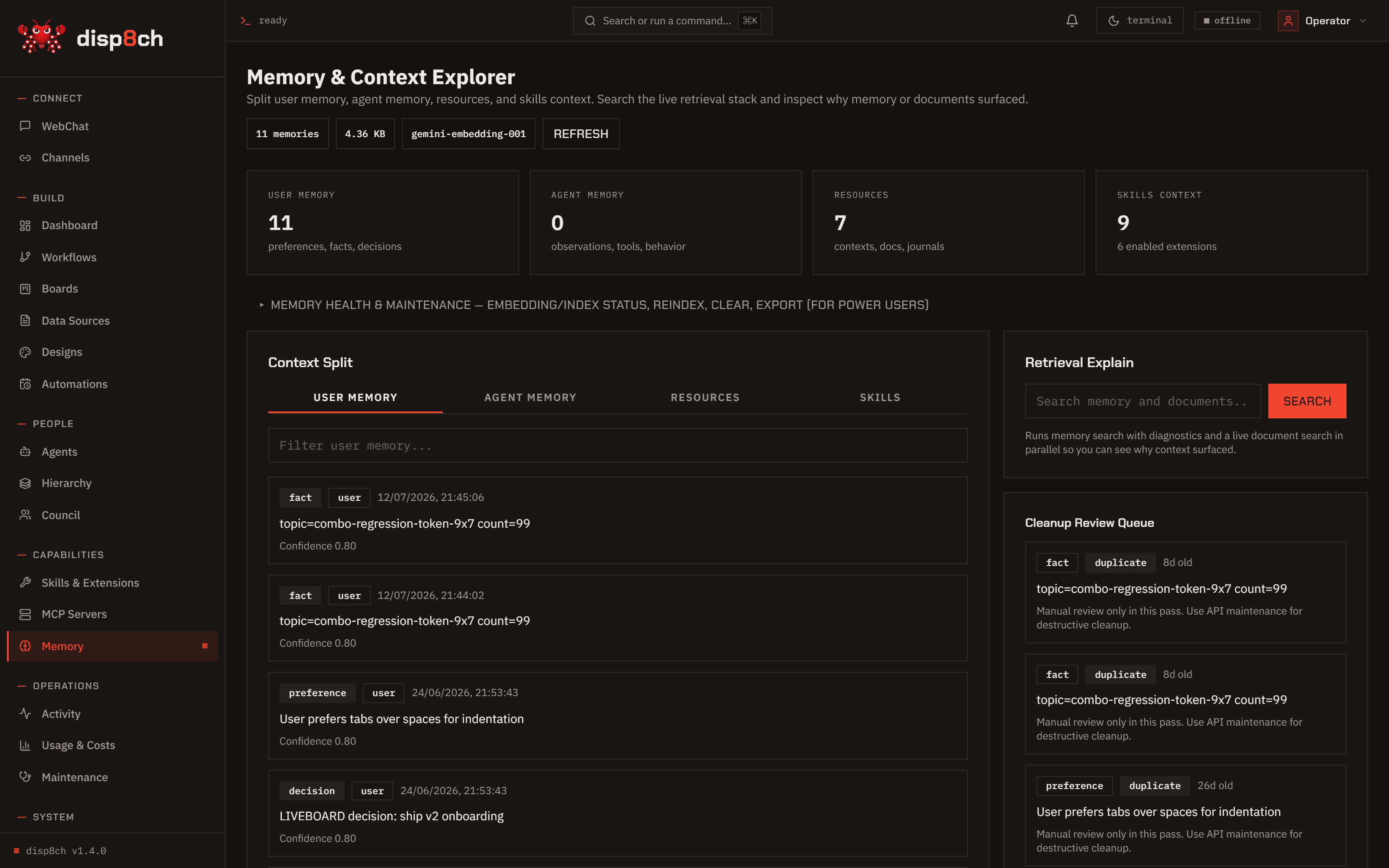
Disp8ch treats Memory as part of the operating loop. The result is visible, editable, and connected to the other surfaces.

  • Stores user preferences, project facts, workflow memory, and agent context in readable local files and indexed memory tables.
  • Supports fast deterministic saves for direct user instructions.
  • Routes learned candidates through review, conflict checks, evidence links, and scope choices.
How it works

Context flows through the app instead of being trapped in chat.

The feature reads from the same workspace objects used by the rest of Disp8ch, then writes back through confirmation-gated actions when work changes state.

  • Startup profile files live in data/workspace by default.
  • Workflow memory can remain private to a workflow or be shared with an agent deliberately.
  • Memory candidates from chat, Boards, Council, workflows, and notebooks are not retrievable until applied.
What makes it different

Built for operators who need auditability.

The feature is designed around explicit state, reviewable outputs, and practical handoffs to the next place work should go.

  • The product favors reviewable memory over silent personality drift.
  • Conflict handling offers explicit choices instead of overwriting facts automatically.
  • Memory health and cleanup are visible in the app instead of hidden in a black-box profile.
Works with

Memory is strongest when it connects to the rest of the workspace.

A typical job starts with a user request, pulls in sources or app state, creates a plan, asks for confirmation when something changes, and leaves a trace in the right surface.

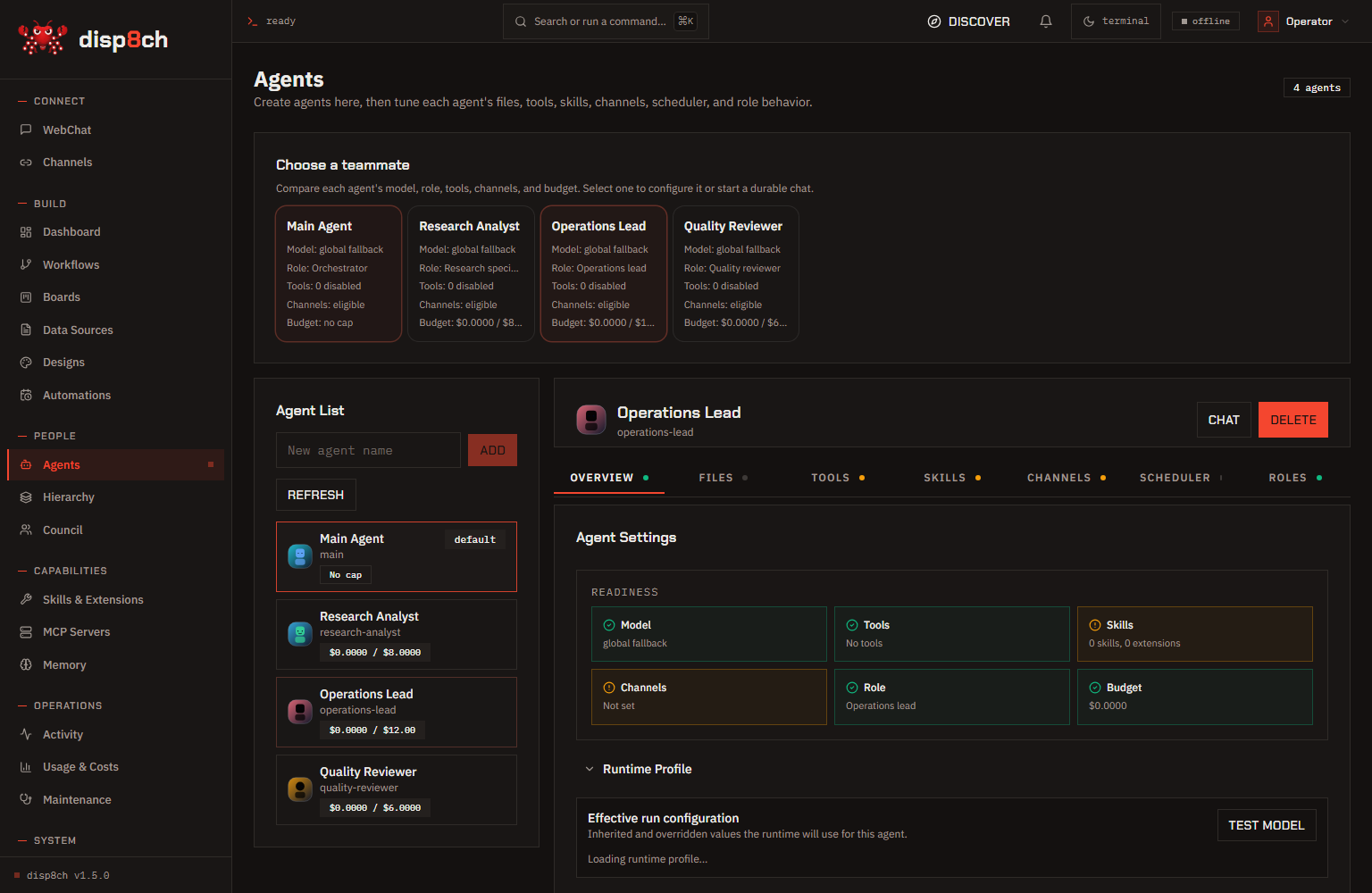
WebChatWorkflowsBoardsCouncilNotebooksAgents
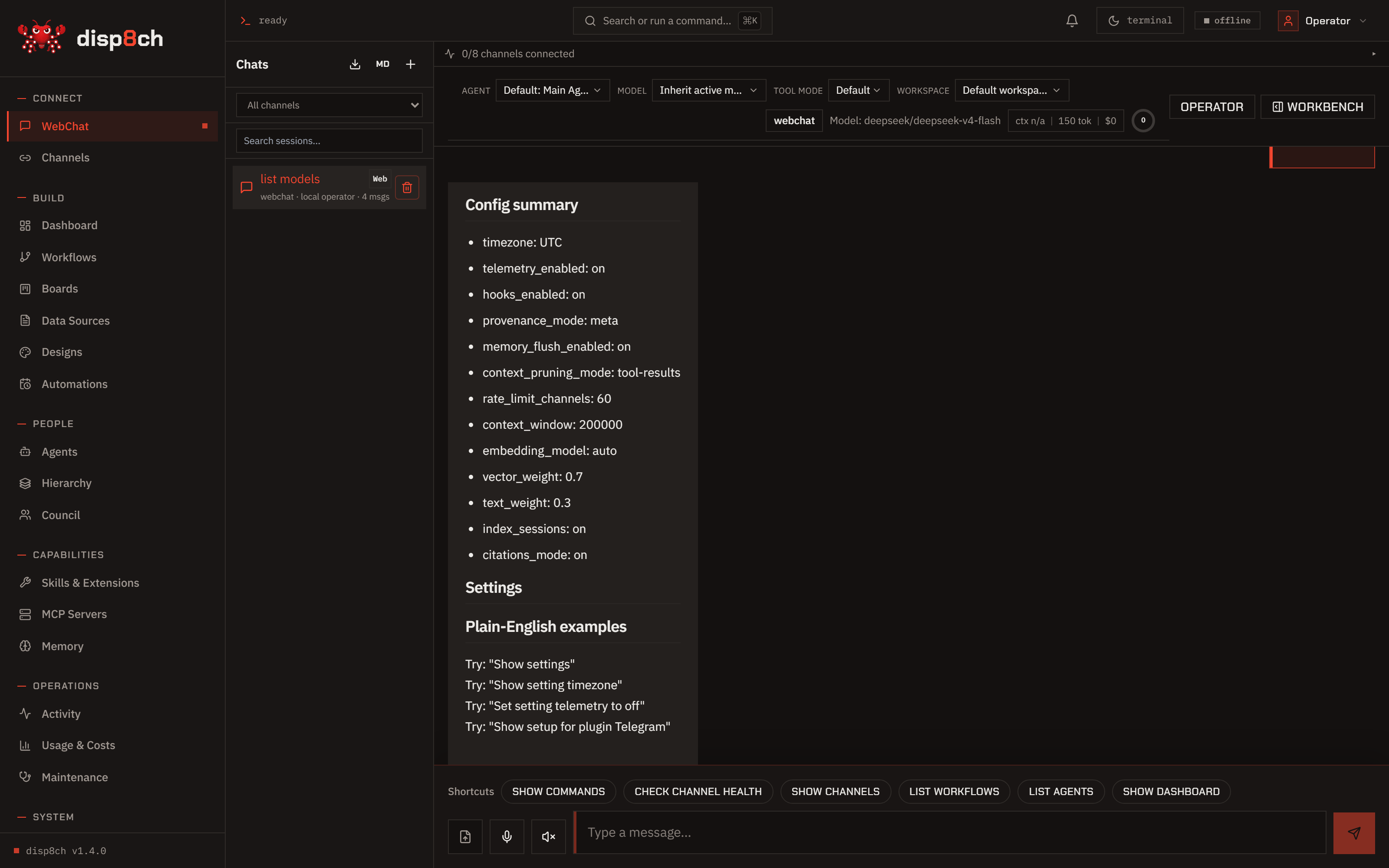
Prompt to tryMemory
Remember that I prefer concise technical answers. Reply only saved.
Install

Try Memory on your own machine.

Start local, connect only the providers and channels you want, and keep risky actions approval-gated.

Linux, macOS, or WSL
curl -fsSL https://raw.githubusercontent.com/aaronnat23/disp8ch/main/scripts/install.sh | bash -s -- --repo https://github.com/aaronnat23/disp8ch.git